Bravio
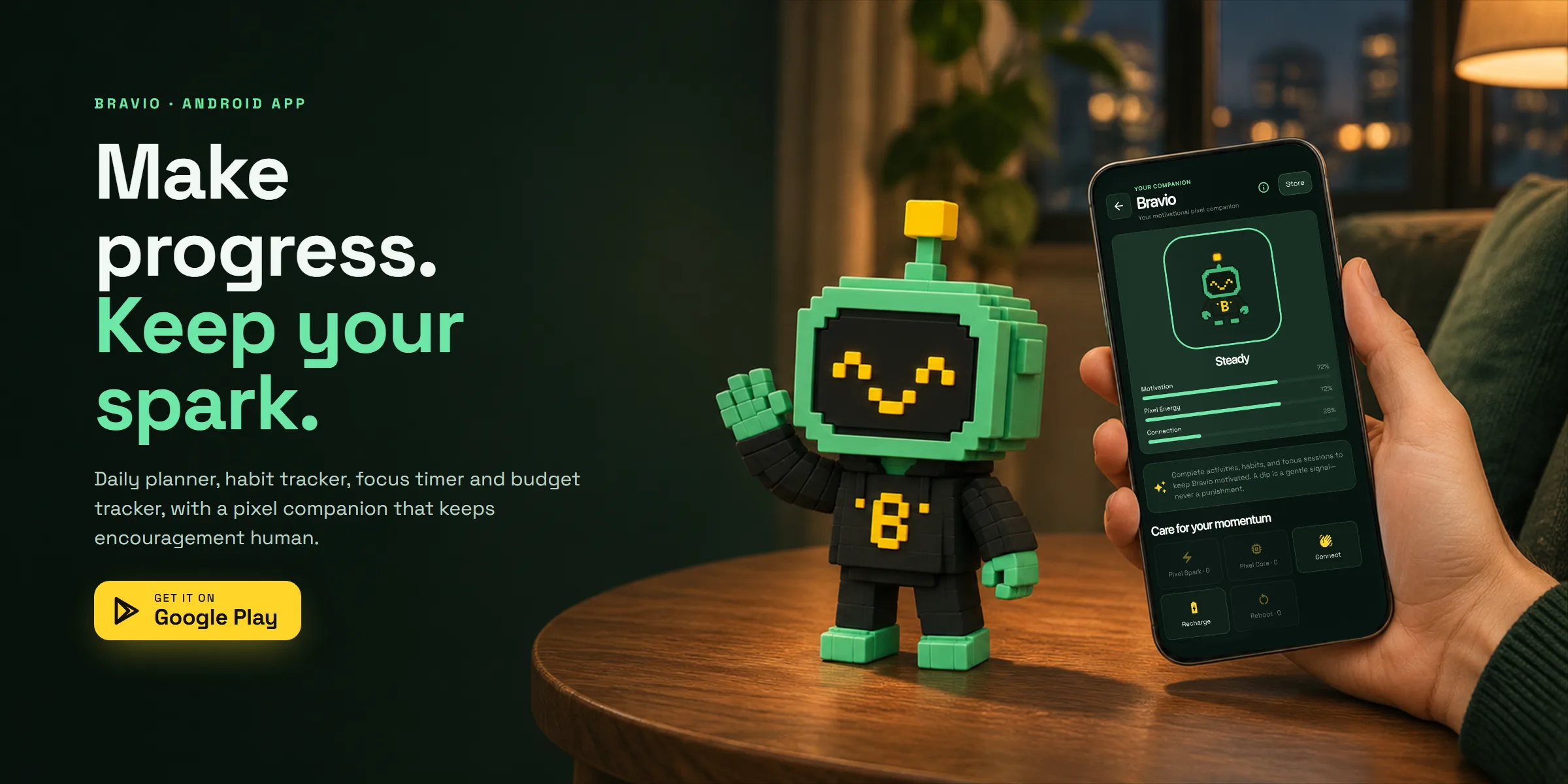
Daily planner, habit tracker, focus timer and budget tracker for Android, with a pixel robot companion that keeps encouragement human.
- Client
- Own product · NewGateDev
- Year
- 2026
- Role
- Product design, UX/UI, mascot & launch
- Services
- App design
- Timeline
- Aug – Nov 2026
Overview
Bravio is a daily planner, habit tracker, focus timer and budget tracker for Android, with a pixel robot companion that cheers you on. It brings tasks, routines, habits, checklists, focus sessions, money, mood and energy into one calm app, so a person can plan the day and see their progress without juggling five different tools.
Bravio is my own product, published by NewGateDev and live on Google Play. From August to November 2026 I took it from the first idea to the production release: product strategy, UX, UI design, the mascot, the store listing and the website. I worked as a one-person studio, with AI coding and image tools at my side from the first prototype to the final build.
The Bravio trailer on Google Play

The companion
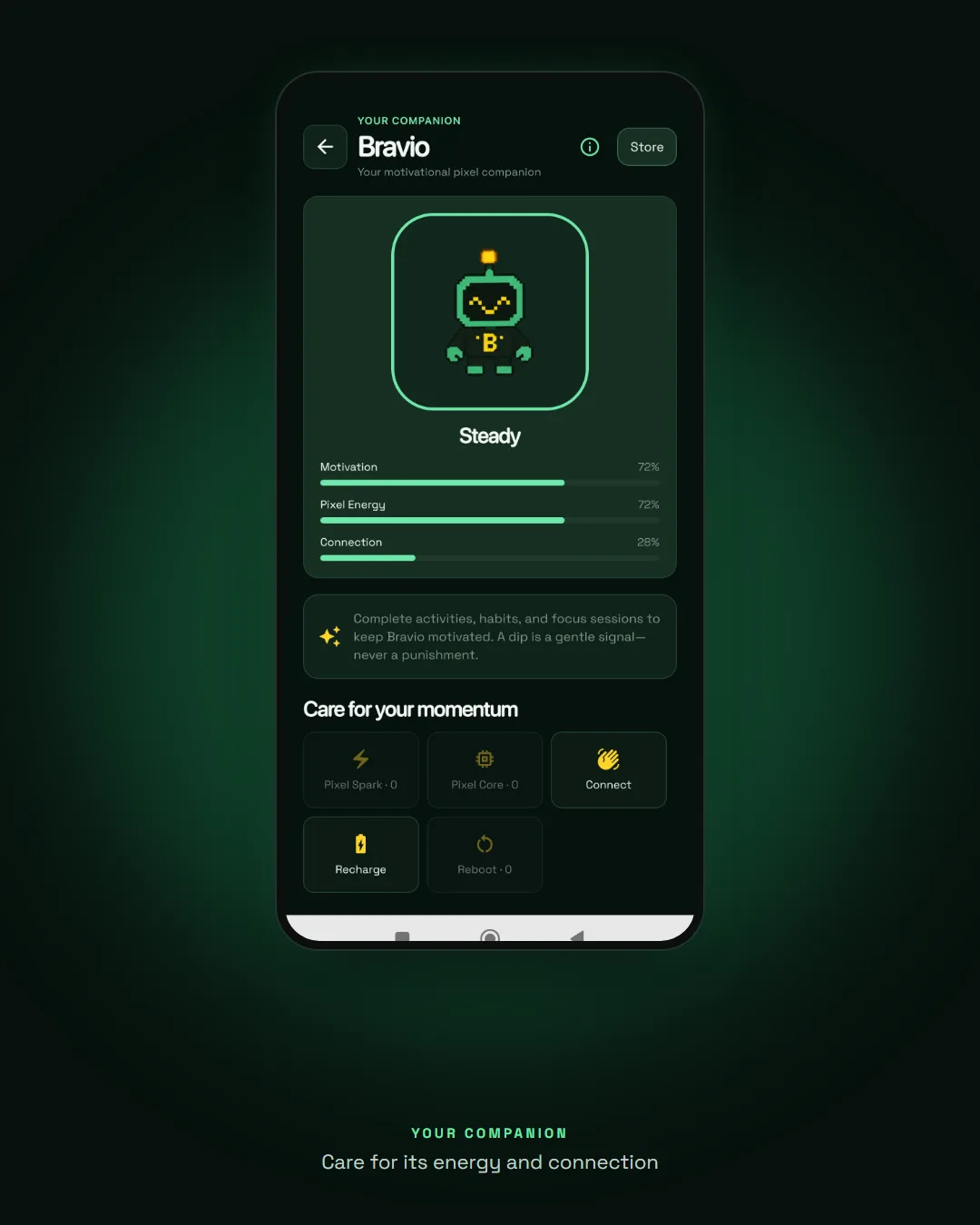
Most productivity apps punish you with red numbers and broken streaks. Bravio does the opposite: its companion, a small pixel robot with a TV for a head, reacts to your effort and keeps encouragement human. Complete an activity and it celebrates; take a quiet day and it simply waits for you. A low day never takes your progress away.
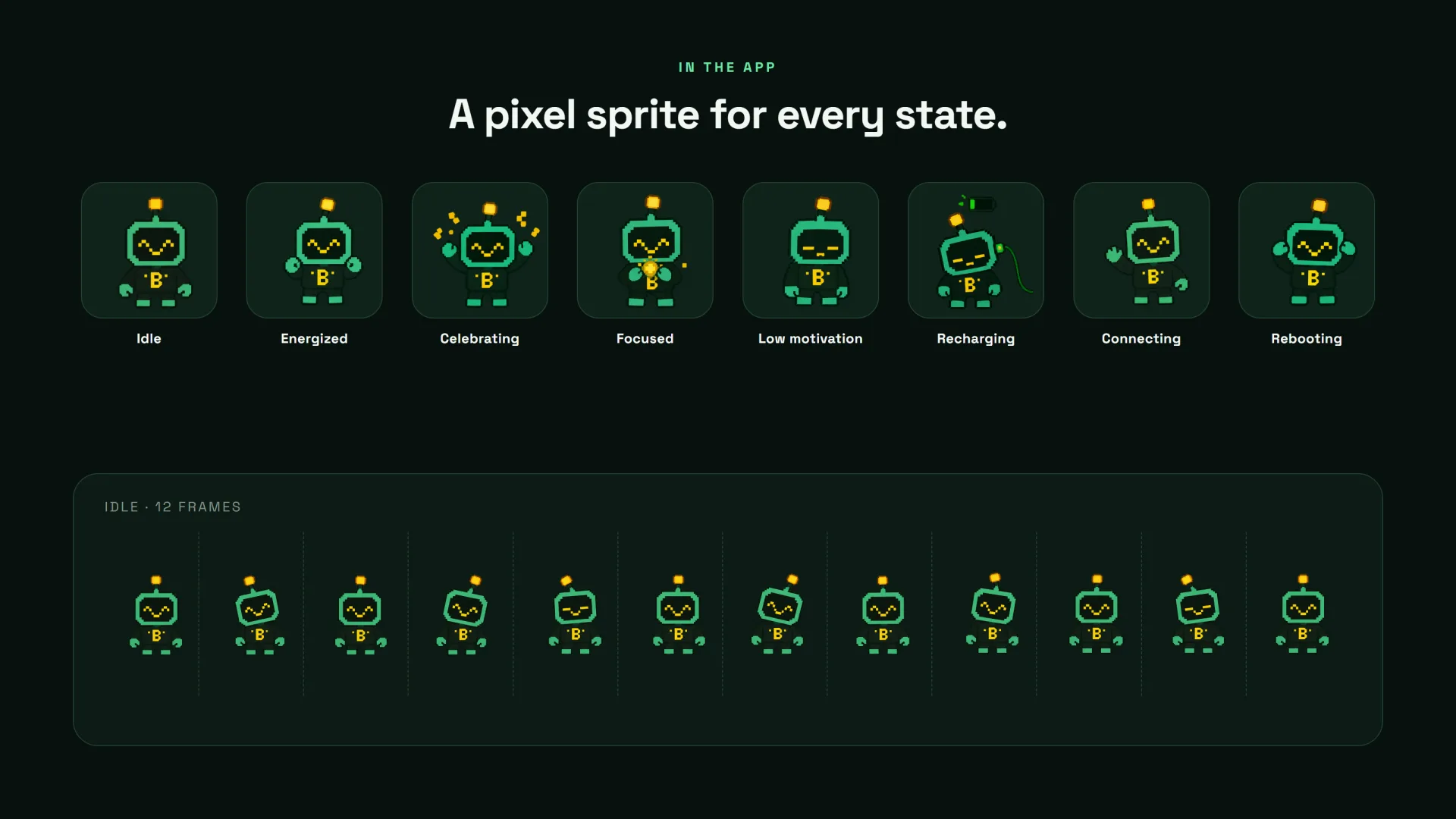
I designed the mascot in two styles: a 3D voxel version for marketing and the store, and a pixel sprite version that lives in the app. It has eight states (idle, energized, celebrating, focused, low motivation, recharging, connecting and rebooting) and three care meters: Motivation, Pixel Energy and Connection. Twenty-five level badges and twenty avatars turn progress into something you can collect.







The companion, animated from its own pixel sprites


One app for the whole day
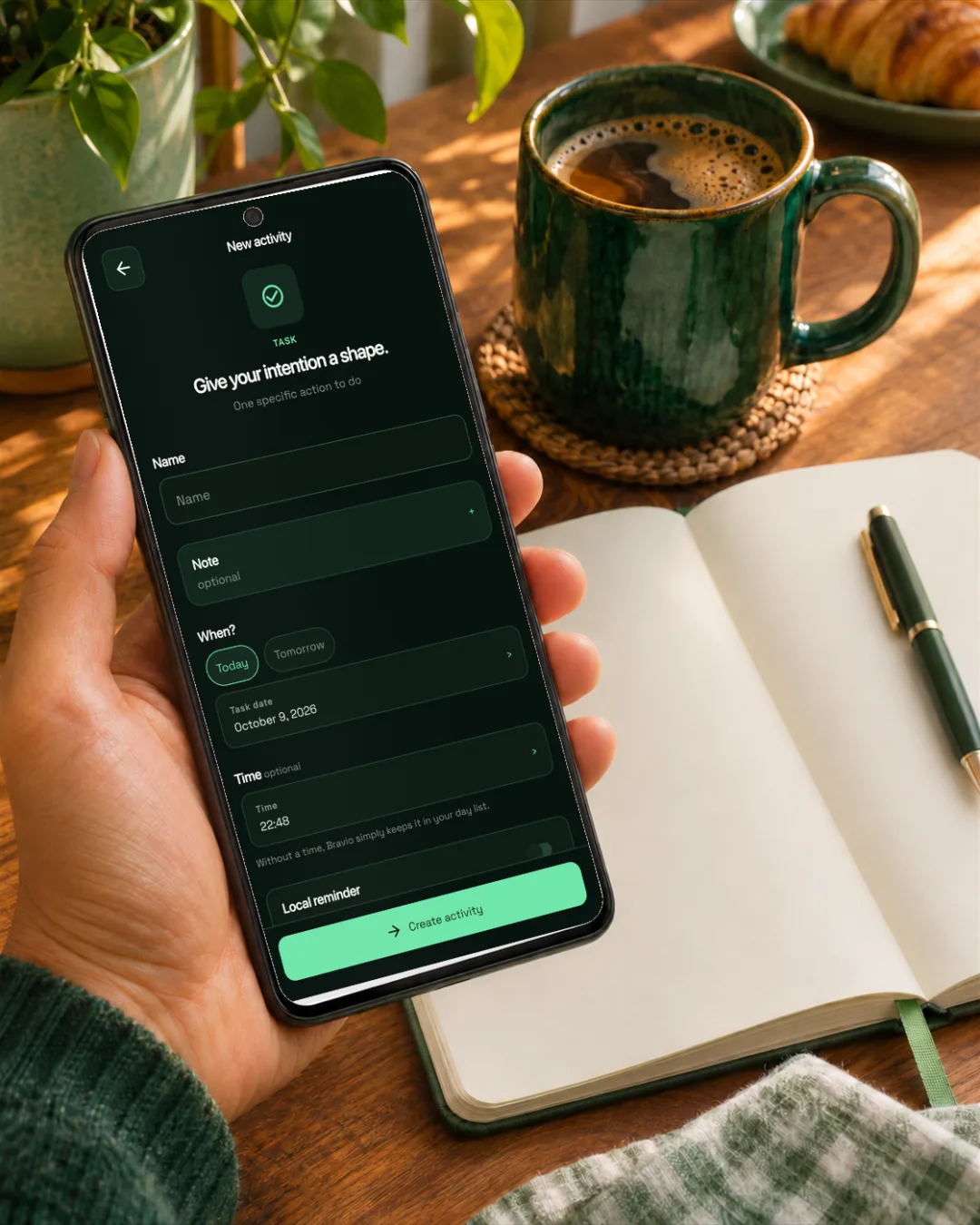
The UX is built around five tabs: Today for what matters now, Journey for progress, levels and insights, Add as the single place to start anything, Finance for money, and You for profile, backups and settings. Every creation flow starts with one plain question (“What would you like to add?”) and asks only for what that activity needs.
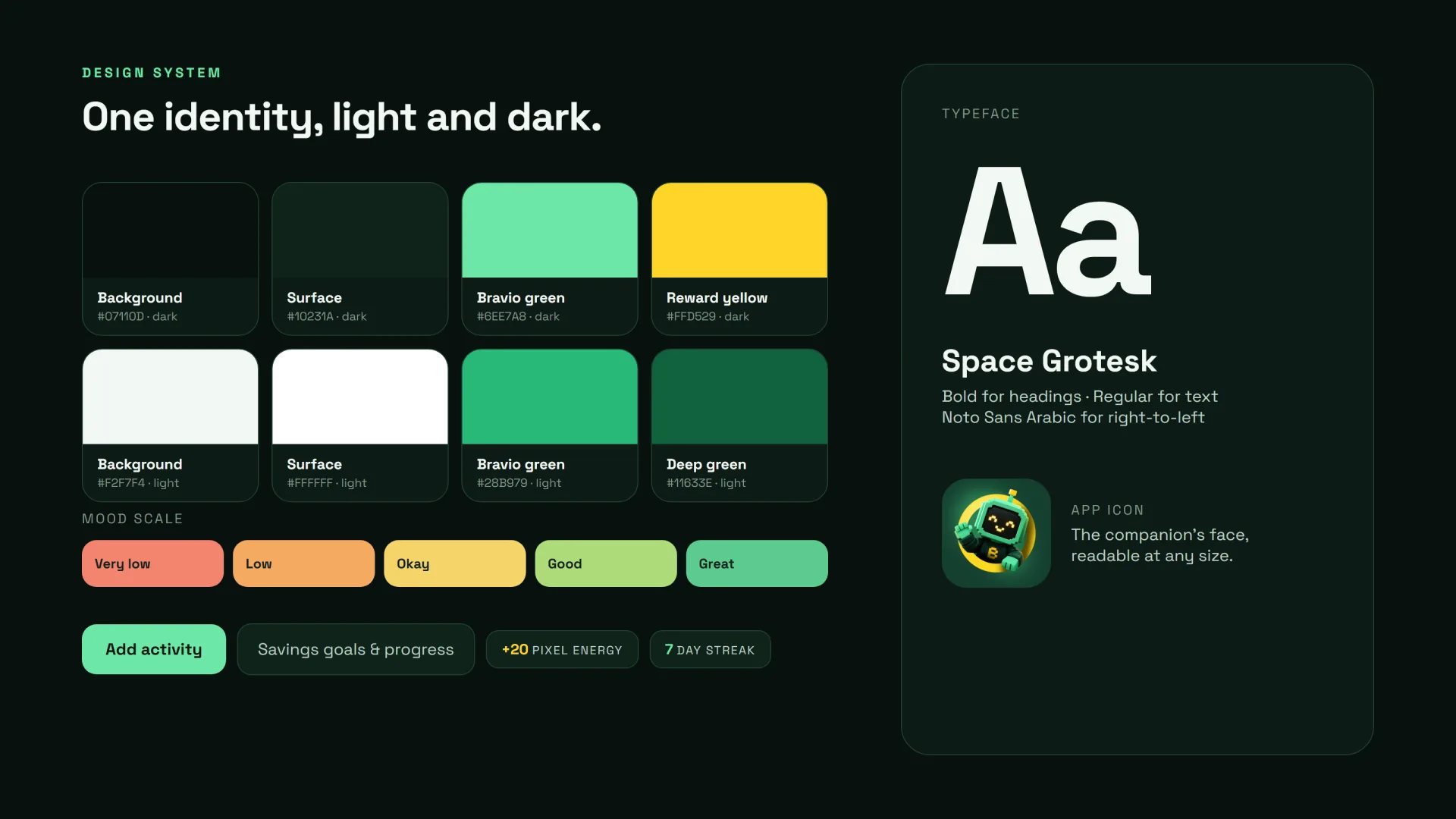
The design system is deliberately quiet: a deep green dark theme by default, a light theme in settings, Bravio green for progress and actions, reward yellow for XP and coins, and Space Grotesk for clear numbers. It works offline and local-first, in English, French, Spanish and Arabic with full right-to-left support.
AI that you review
Bravio uses AI where it saves real effort, and always keeps the person in control. With AI Quick Capture you type or say something like “I spent 20 on bread, saved 50, and my energy is 4 today”, and the app proposes the matching entries for you to review before anything is saved.
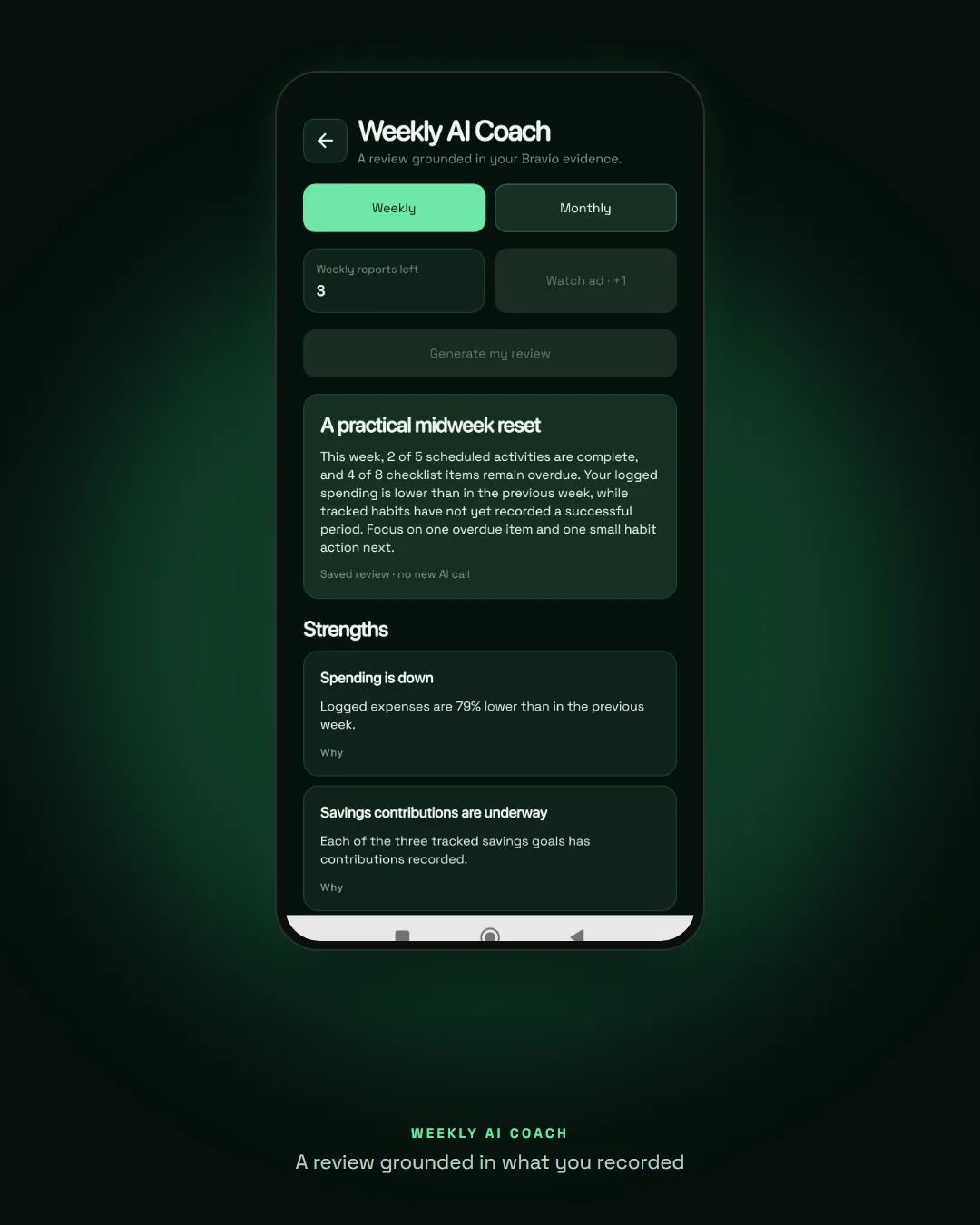
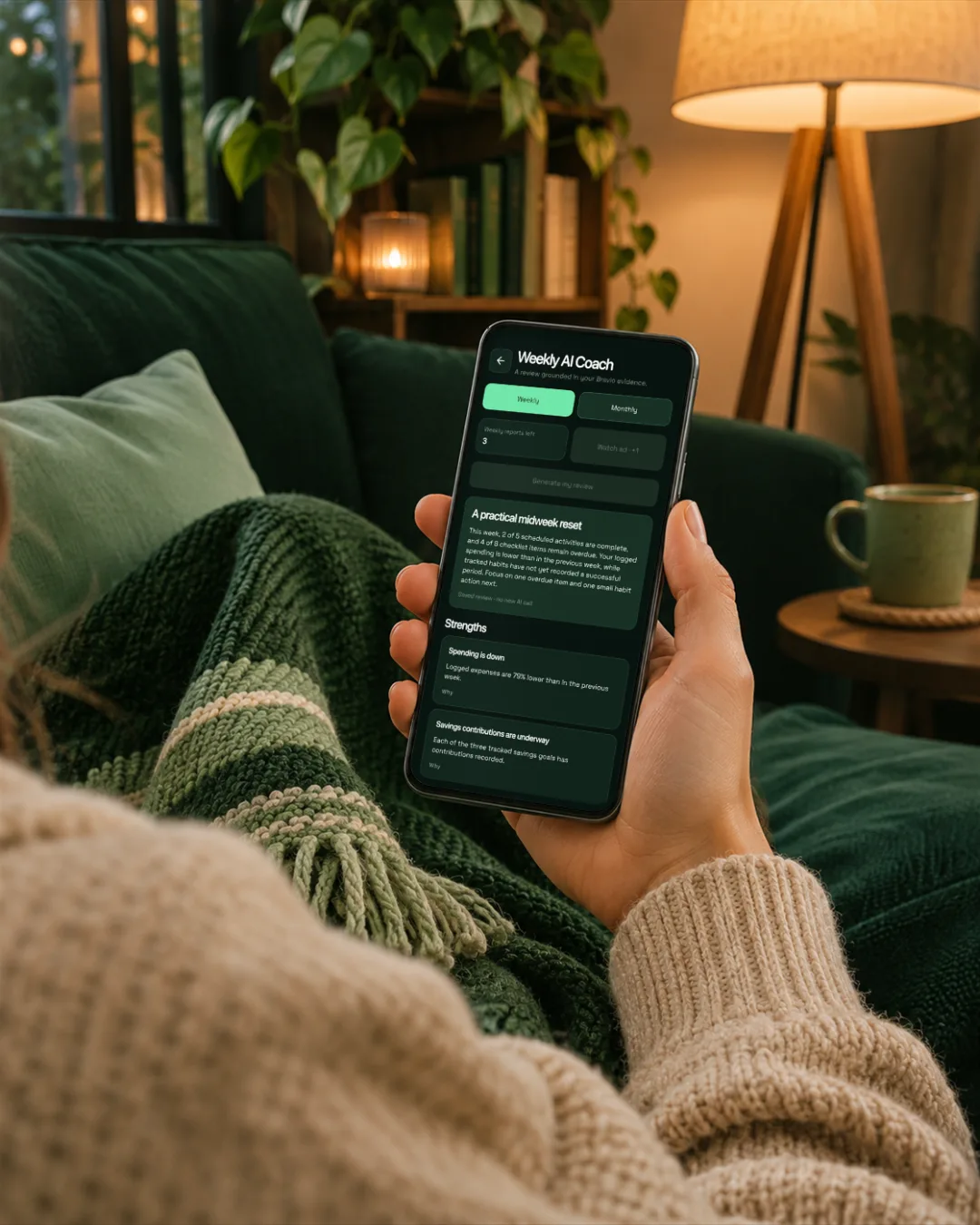
Each week and month, AI Coach writes a short review grounded in what you actually recorded: strengths, opportunities and one suggested focus. Free allowances keep it sustainable, and the review never pretends to know more than your data.

Money, focus and mood in one place
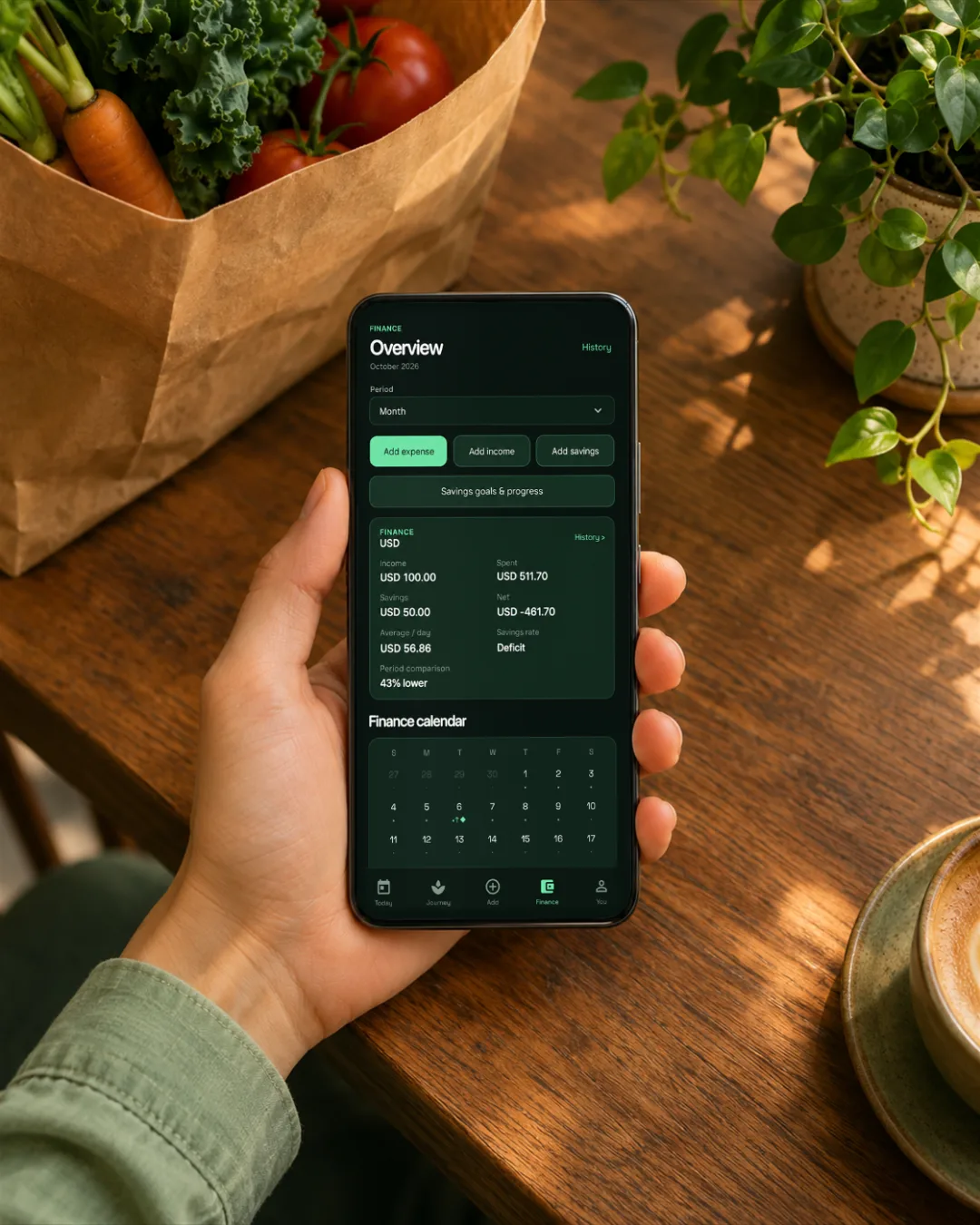
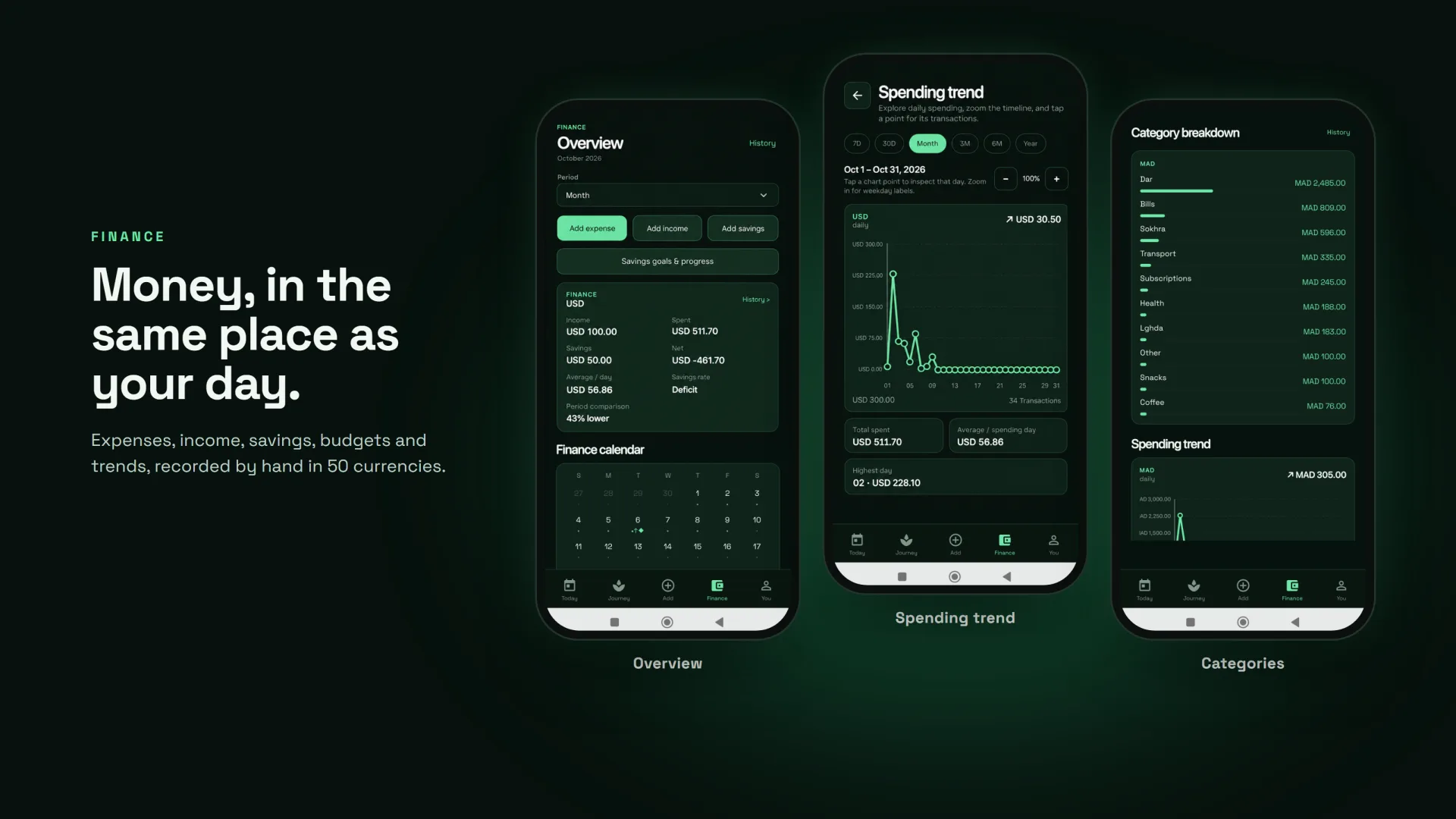
Money is part of the day, so the budget tracker lives next to tasks and habits instead of in another app. People record expenses, income and savings by hand in 50 currencies, set monthly budgets and savings goals, and read clear spending trends and category breakdowns.
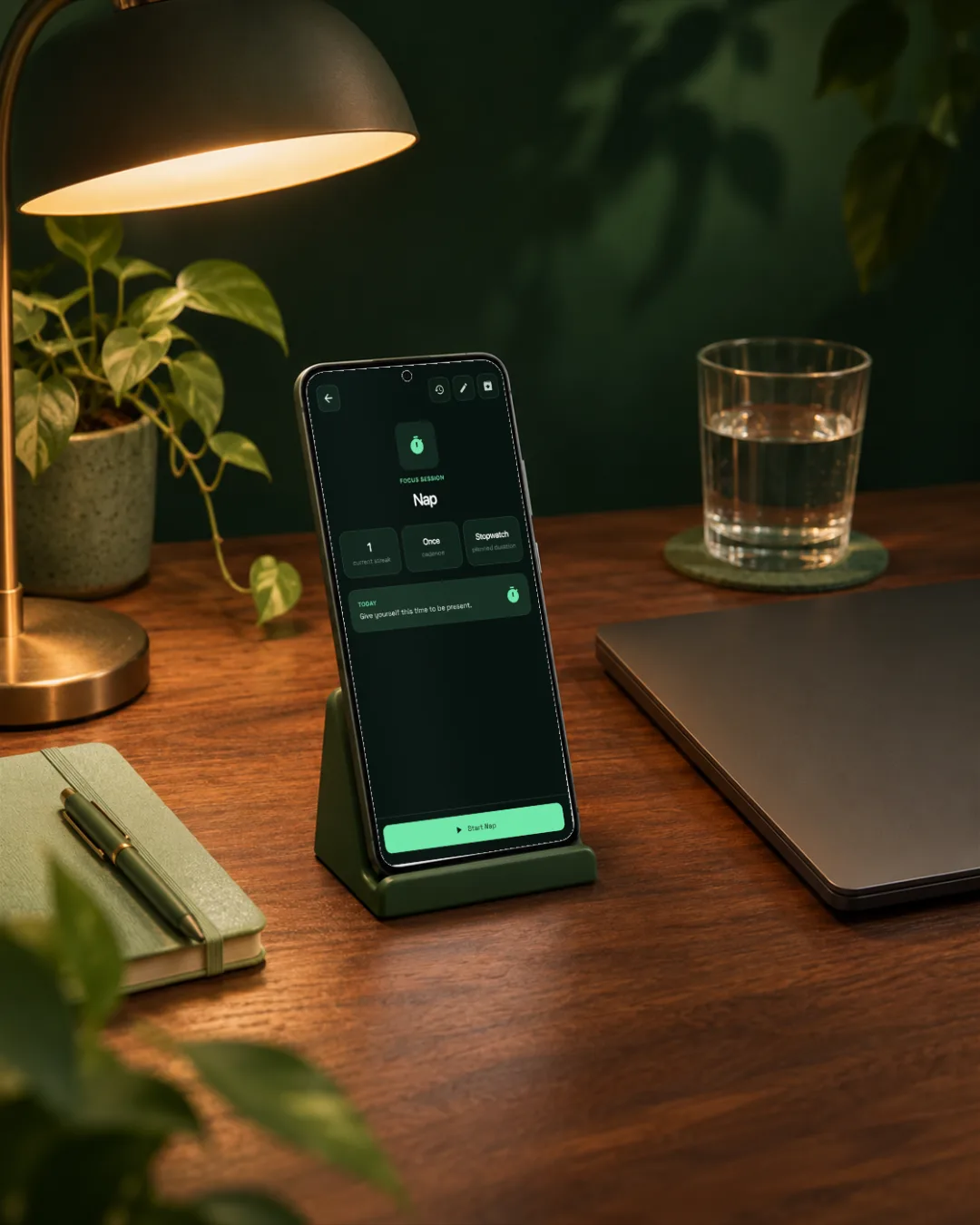
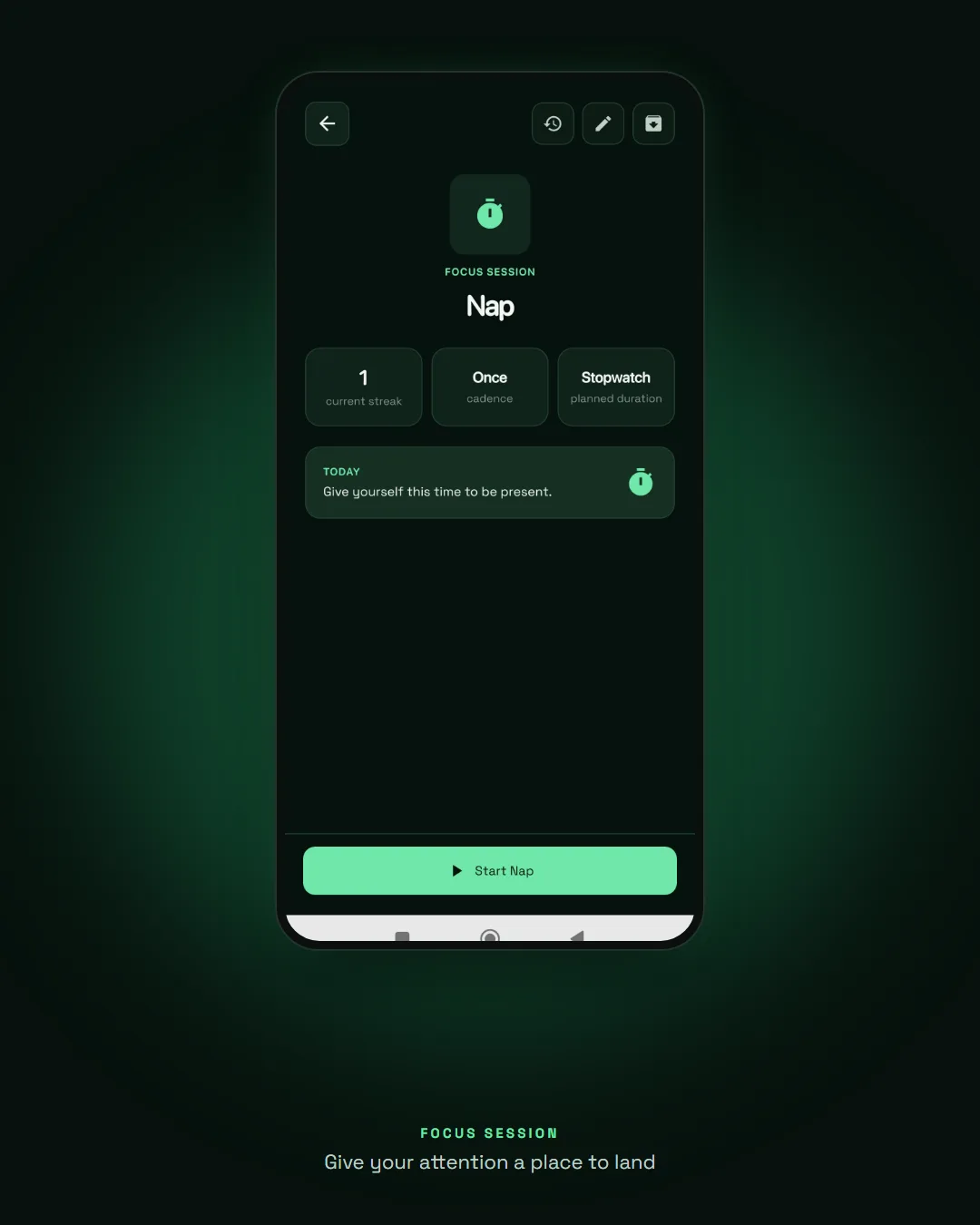
Focus sessions turn an activity into time well spent, and an optional daily mood and energy check-in shows patterns over 7 and 30 days. Habits can be built, reduced or quit, each with its own honest way of counting.
Make progress. Keep your spark.
Launch: website and Google Play
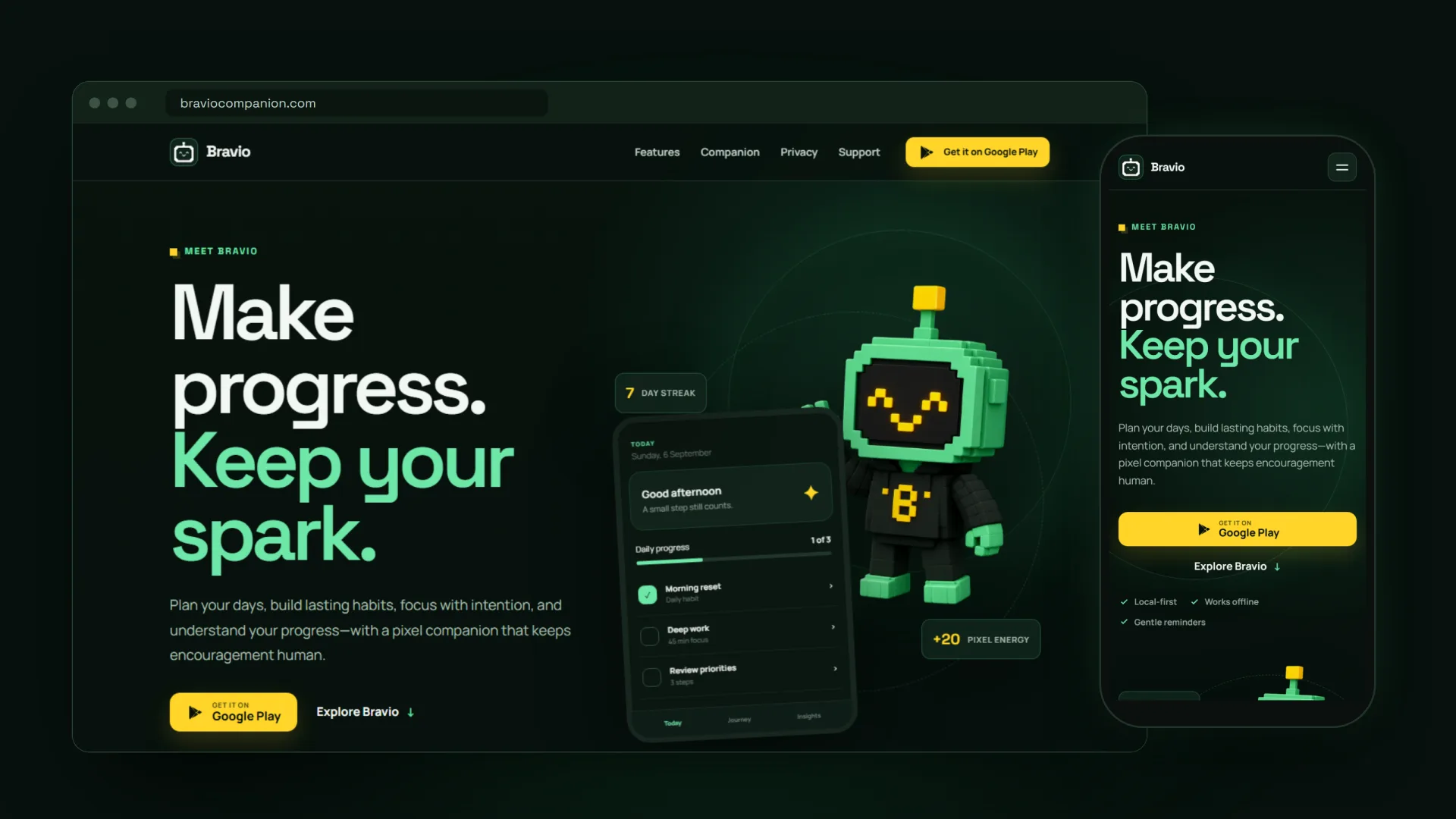
The launch is built around one promise: Make progress. Keep your spark. I designed braviocompanion.com as a dark, local-first landing page that introduces the companion and sends people to Google Play, and wrote the store listing and feature graphic around the same line.

It's live on Google Play Store